Instagram Photo Downloader

View Stories Anonymously

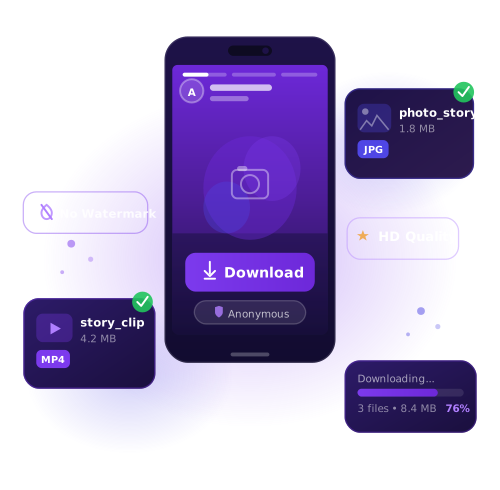
Using the Story Downloader on Photo Downloader, you can check out Instagram stories and profiles without anyone knowing. Stay private while browsing any public account.

Save Instagram Videos

Download any video from Instagram — whether it’s a single clip or part of a carousel. Photo Downloader makes saving Instagram videos quick and straightforward.

Download IGTV Content

IGTV hosts longer videos that aren’t always convenient to watch right away. With Photo Downloader, you can download IGTV videos for later — even if they get deleted from the platform.

Reels Video Downloader

Instagram Reels are short. Photo Downloader makes it simple to save your favorite Reels to your device in just a few taps.

Download Albums & Carousels

Instagram carousels (or galleries) allow users to post multiple images or videos in a single post. Use Photo Downloader to download full albums without skipping any slides.

Photos & Profile Picture Saver

Need to download a specific Instagram image or even someone’s avatar? With Photo Downloader’s photo downloader, you can save individual images or entire posts in high resolution.

How to Save Instagram Images on Your Phone or Computer

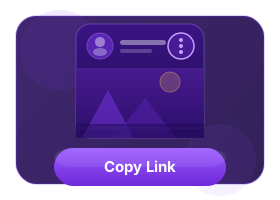
Get the Post Link

Get the Post Link

Tap the three-dot icon next to the post. Choose "Copy Link" from the menu that appears — that’s the link you’ll need.

Paste the Link

Paste the Link

Go to our Downloader website and paste the copied URL into the download field. Click Search button

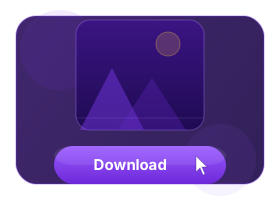
Click Download

Click Download

Press the 'Download' button to begin saving the photos directly to your device.

Save Instagram Photos to Your Gallery

Every day, millions of posts are shared on Instagram — and it’s natural to want to save the ones that matter most to you. With Photo Downloader, downloading photos is easy, fast, and doesn’t require installing any apps. Just copy the Instagram post link, paste it into our site, and save the image in one click.

Forget about screenshots or manual cropping — Photo Downloader delivers high-quality image downloads instantly. Even if you’re not very tech-savvy, the process is simple and intuitive. This tool is perfect for anyone who wants a reliable way to download and store Instagram photos.

info block

Frequently Asked Questions

What is an Instagram Post Downloader?

It’s an online tool that lets you save any image or video from Instagram directly to your device. Works on all major platforms — from iPhones and Android to PC and Mac.

Can I use it to download Instagram photos on a PC?

Yes. Photo Downloader works seamlessly across desktops, laptops, tablets, and smartphones. Just open it in your browser and paste the post link to start downloading.

How to download Instagram photos on iPhone?

On iOS 13 and above, you can use Safari directly. For older versions, apps like Documents by Readdle can help. Just visit Photo Downloader, paste the copied post URL, and download the image.

How to download Instagram photos on Android?

Copy the photo link from Instagram, go to Photo Downloader, paste it into the text box, and press download — that’s it.

Can I download content from private Instagram accounts?

No. You can only download media from public Instagram profiles.

Is downloading photos from Instagram safe?

Yes. Photo Downloader does not collect personal information or require login — making it a secure and anonymous way to download content.

Is the service free to use?

Absolutely. All features of Photo Downloader are available free of charge.

What devices are supported?

Photo Downloader works on all modern devices — including iPhones, iPads, Android phones, Windows PCs, and MacBooks. If your device has a browser, you're good to go.

Will the user know I downloaded their post?

No. Downloading through Photo Downloader is private. Instagram users won’t be notified about downloads of their content.