Story Saver

No Instagram Account Needed

View and download Instagram Stories without logging in.

Completely Free

Use all Story Saver tools for free — no subscriptions, no sign-up.

Anonymous Downloads

Save Instagram Stories without the account owner knowing.

How to Download Instagram Stories Using Story Saver?

Open Story Saver

Open Story Saver

Go to the Story Saver page in your browser — no app needed.

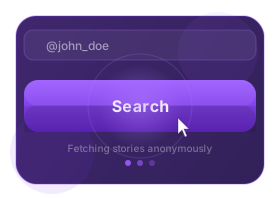
Enter Username

Enter Username

Type in the Instagram username of the profile you're interested in.

Search for Stories

Search for Stories

Click the search icon to fetch stories from that account.

Browse Available Stories

Browse Available Stories

Switch to the 'Stories' tab and see all active stories.

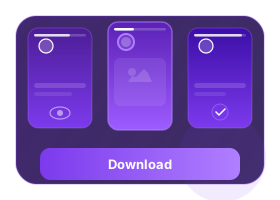
Download

Download

Select any story and press the download icon to save it.

What is Story Saver?

Story Saver is an online tool that lets you download Instagram stories quickly, without needing to install any apps or log in. Just paste the username and start saving.

Perfect for archiving highlights or keeping your favorite stories. Works on desktop and mobile — fast, private, and 100% free.

info block

Frequently Asked Questions

How do I download Instagram highlights and stories?

Enter the Instagram username into Story Saver. Click 'Download' to view stories or highlights, then download any of them directly to your device.

Can I watch stories anonymously with Story Saver?

Yes, Story Saver lets you view stories without logging in or notifying the account owner.

Will the user know I saved their story?

No. Story Saver doesn’t notify the person whose content you save. It’s 100% private for public accounts.

Does Story Saver work on desktop?

Yes. Open Story Saver in Chrome or any browser on Windows or Mac, paste the username, and save stories instantly.